Tap to draw
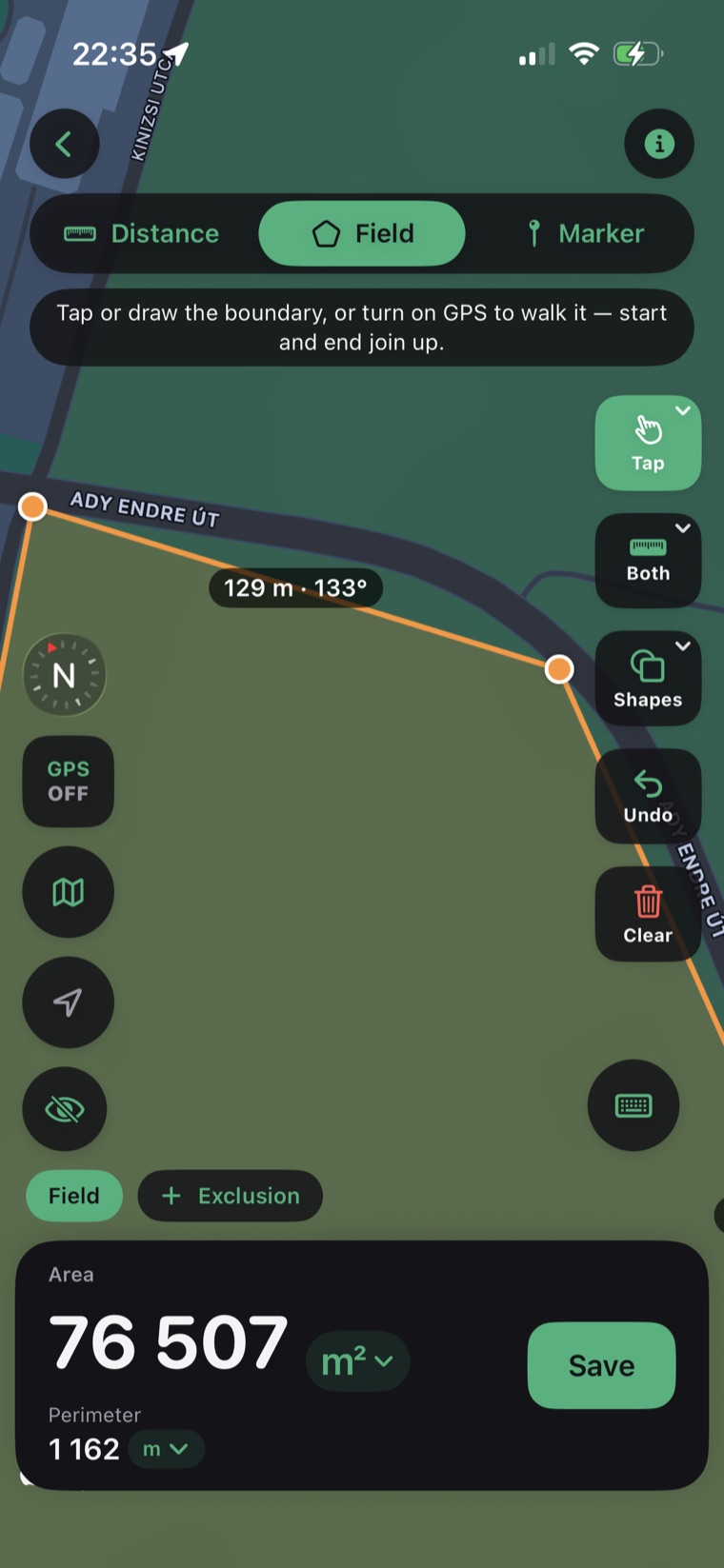
Drop pins on the map to outline a field, parcel, or roof. A magnifier loupe makes every vertex pixel-precise.
Calculate area, perimeter, and distance on a real map. Tap points to draw a field, or just walk, drive, or fly the boundary and let GPS trace it for you.
A Workspace holds all your fields, plots, and notes — and you can share it with other members. Invite your crew, office, or family, and everyone sees and edits the same measurements, live.
Sign-in is optional — start solo and offline, invite your team whenever you're ready.
Drop pins on the map to outline a field, parcel, or roof. A magnifier loupe makes every vertex pixel-precise.
Start GPS tracking and walk, drive, or fly the perimeter. The app records your path and closes the shape automatically.
Accurate geodesic math gives true area and perimeter on the curved earth — not flat-map approximations.
Toggle between acres, hectares, square meters, and square feet with a single tap. Distance in metric or imperial.
Every measurement is saved with its map. Build a history of your plots and reopen them anytime.
Send measurements as CSV for spreadsheets or KML for Google Earth and GIS tools.
Search any address or place, or center the map on your current location.
Tap to place points, or hit GPS and walk the edge of the property.
See area and perimeter update live. Save it, switch units, or export to CSV/KML.
The app uses geodesic calculations on the WGS-84 ellipsoid, so area and perimeter stay accurate even on large parcels. GPS accuracy depends on your device and sky view; tap-to-draw on satellite imagery is the most precise for small plots.
Yes — that's what Workspaces are for. Invite teammates with a share code and give each person owner, editor, or view-only access. Everyone works from the same measurements, and changes sync automatically, even after working offline.
GPS tracking and measurement work offline, and so do your workspaces — create, edit, and organize with no signal. Everything syncs to your team the moment you're back online. Map tiles for a brand-new area need a connection to load, but cached areas stay available in the field.
Acres, hectares, square meters, and square feet for area; meters, kilometers, feet, and miles for distance — switchable anytime.
Yes. Export any measurement as CSV (for spreadsheets) or KML (for Google Earth and GIS software).
iPhone and iPad running iOS 17 or later, with an iPad-optimized layout.
We're building the Android version of Field Maps with Area Measure. Leave your email and we'll let you know the moment it's on Google Play.
No spam — just one email when Android launches.